BLOG · PROCESS GUIDE
Pharma Design Approval Cycles: How to Go From 5 Corrections to 1
When a visual aid goes through five or six correction rounds, the designer is rarely the real problem. The rounds come from feedback arriving in pieces, from different people, at different stages, about things that should have been decided before design began.
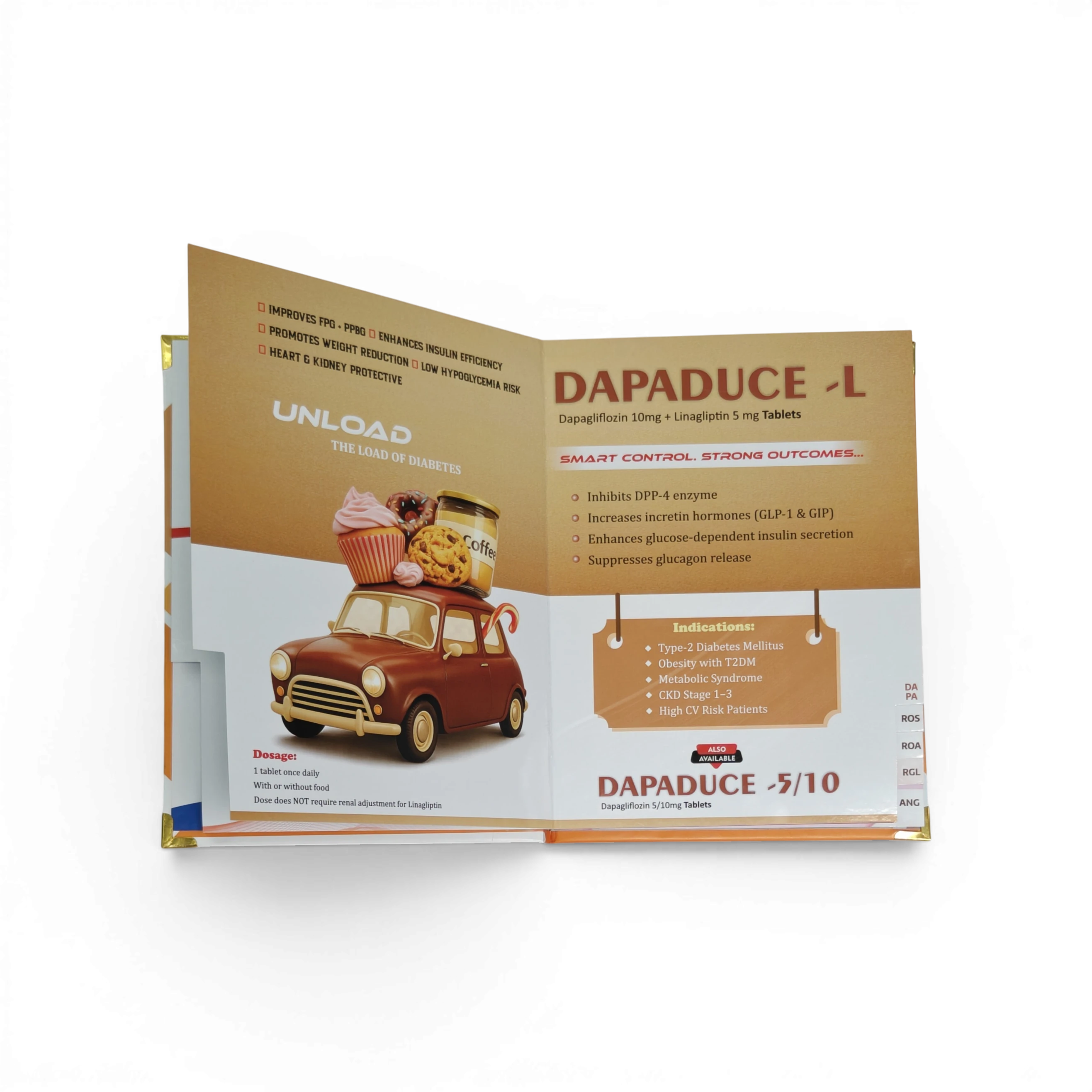
To cut pharma design approval rounds, fix the content before design starts, send one consolidated set of feedback per round from one named approver, and review in stages: page plan first, layout second, final details last. Most extra rounds come from late content changes and scattered feedback, not from design quality.
Every extra round costs more than it seems. Each one adds two to four days, pushes the print date, and raises the chance of a new error, because every correction touches a file that was already checked. By round five, nobody remembers which version the medical team approved.
The workflow below is how approvals become predictable. It works whether you design in-house or with a partner.
Why approvals drag on
Look at the corrections from your last long project and sort them into groups. Most of them usually fall into a few patterns.
Content arrived after design began. The study, the pack shot or the final claim came in after pages were laid out, so layouts were rebuilt around new text.
Feedback came from several people separately. The brand manager sent comments on Monday, the medical advisor on Wednesday and the sales head on Friday, sometimes contradicting each other. Each set became its own round.
Big decisions were made late. Page order, the number of pages or the main message changed at the final proof stage, when only small details should be changing.
Feedback was vague. "Make it more premium" or "the page looks empty" cannot be fixed in one attempt. It gets interpreted, revised and sent back.
Feedback was scattered. Corrections lived across WhatsApp voice notes, screenshots and email, and one of them was missed.
None of these are design skill problems. They are process problems, so they can be fixed with process.
The one-round workflow
1. Approve a master data sheet before design
One short document per brand: brand name, full composition with strengths, dosage form, pack, approved indications, dosage, the two or three key claims with references, and the target doctor specialty. The medical or brand team approves it before a single page is designed. Every later proof is checked against it. Our guide on getting composition and dosage right on print explains what this sheet must include.
2. Approve the page plan, not the design
Before layouts, agree on a simple page plan: what each page says, in what order, in one line each. For example:
| Page | Message | Visual |
|---|---|---|
| 1 | Brand + who it is for | Patient image + pack |
| 2 | The patient problem | One statistic with source |
| 3 | How the molecule works | Simple mechanism diagram |
| 4 | Key clinical advantage | One comparison chart |
| 5 | Dosage and pack | Dosage table |
| 6 | Reminder and close | Brand + composition |
Changing a line in this table takes a minute. Changing the same thing after design takes a round.
3. Name one approver
One person on the client side gives the final yes. Others can comment, but their comments reach the designer only through that person. This alone removes the contradictory rounds.
4. Send one consolidated feedback set per round
Collect all comments from everyone, resolve conflicts internally, and send them together. The format that works best is a marked-up PDF, or a numbered list with page numbers:
- Page 3: replace the chart title with "HbA1c reduction at 12 weeks"
- Page 5: dosage should read "1 tablet twice daily after meals"
- Page 6: increase the size of the brand name
Numbered, page-specific feedback can be applied in one pass and checked line by line on the next proof.
Avoid voice notes for corrections. They are quick to send and easy to miss. If feedback is given on a call, write it up as a numbered list before the designer starts.
5. Review in stages, each with a clear purpose
- Stage 1 (first proof): structure. Page order, page count, main messages, visuals. Big changes are welcome here.
- Stage 2 (second proof): details. Wording, chart labels, colours, image choices. No new pages or new claims.
- Stage 3 (final): accuracy only. Composition, strengths, dosage, references and print specifications. Nothing creative changes at this stage.
When a big change arrives at stage 3, it should go back to stage 1 for that page only, and everyone should know it is a new round.
6. Freeze, then approve the exact print file
Approve the final PDF that will be printed, with its version name, for example BrandX_VA_v3. Run the visual aid design checklist on that file, not on an earlier one, and archive it for reprints.
How many rounds are normal?
For a new visual aid with a clear brief, two to three rounds is a healthy number: one for structure, one for details, and a final accuracy check. A straight update to an existing book should usually need one. If a project passes five rounds, stop and go back to the page plan, because the problem is almost always that the content was never agreed.
Writing feedback a designer can act on
| Instead of | Write |
|---|---|
| "Make it more premium" | "Use more white space on pages 1 and 6; reduce text on page 4 to three lines" |
| "The page looks empty" | "Add the pack shot on page 5 next to the dosage table" |
| "Change the colours" | "Match the colours to the carton: deep blue and orange" |
| "Something is wrong on page 3" | "Page 3, line 2: strength should be 500 mg, not 50 mg" |
Specific feedback gets fixed once. Vague feedback becomes an exploration, and explorations take rounds.
How our approval workflow runs
At RX Design Hub, a new visual aid starts with your brand name and composition. We confirm the product details and send a page plan before layout, and the first design proof usually reaches you on WhatsApp within three to six working days. We ask for consolidated, page-wise feedback from one approver, apply it in one pass, and share the next proof with changes listed. Once you approve the final file, it is archived under a version name so the next reprint is a one-message reorder. You can see the full flow on our visual aid designing service page.
Frequently asked questions
How many correction rounds are normal for a pharma visual aid?
Two to three rounds is typical for a new visual aid with a clear brief: structure, details, then a final accuracy check. An update to an existing visual aid should usually need one round.
Who should approve a pharma visual aid?
One named person on the client side, usually the brand manager, should give final approval after collecting comments from the medical, regulatory and sales teams. Feedback should reach the designer only through that person.
What is the best way to send design corrections?
A marked-up PDF or a numbered list with page numbers and exact replacement text. Avoid voice notes and scattered messages, because corrections spread across chats are easy to miss.
Why does my visual aid keep needing more corrections?
Usually because content or page order changed after design began, or feedback arrived from several people in separate rounds. Approving a master data sheet and a page plan before design prevents most of this.
Should composition and dosage be checked at every round?
They should be locked before design and then checked on the final print file. Checking them again after the last correction is important, because new errors often enter during corrections.
Start your visual aid with a clean brief
Send your brand name, composition and target doctors on WhatsApp. We will send back a page plan for approval before any design starts.